Opening Keynote
09:00 · Grand Hall · Day 1
Guest Pass
Abena Mansah
Standard · ID 4821
Where will rates go in Q3?
Inside the App
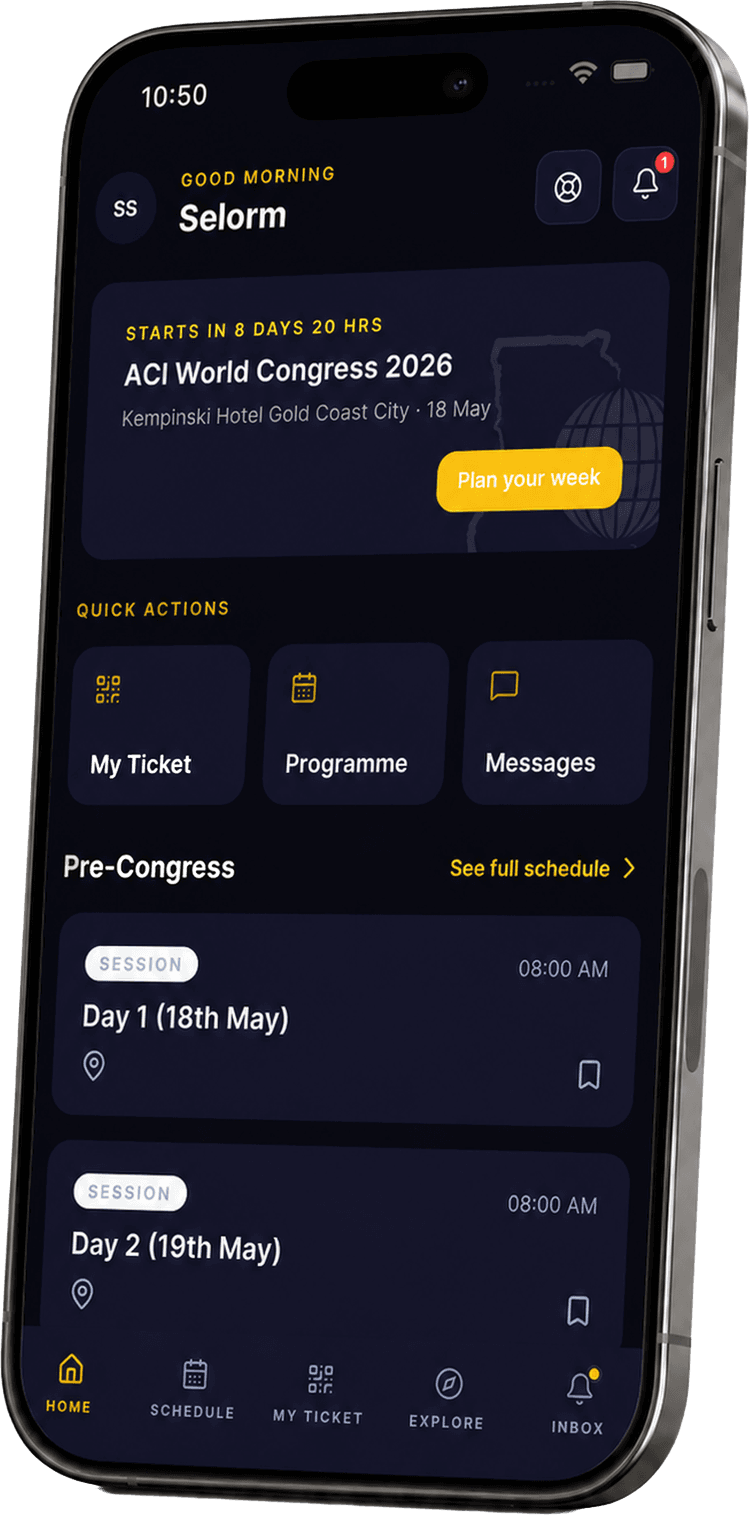
Built for the floor of the anniversary.
01
Your QR pass, always
Walk up to any check-in and just hold up your phone. Your guest badge lives on the Ticket tab, with your name, category, and a high-contrast QR code that scans even in low light.
02
A live programme, in your hand
The full agenda, sliced by day, filtered by session type, bookmarked with one tap. A gold Live dot tells you what is on stage right now. Pull to refresh when the team makes a last-minute change.
03
The room, in your pocket
Find every guest by name, organisation, or country. Message them privately, request meetings, and exchange digital business cards by scanning each other's QR. Saved contacts export to your phone.
Guest Support
A direct line
to the team.
Help is never more than one tap away. The headset icon on Home opens a live chat with our team, with typing indicators, read receipts, and a full history that stays with you long after the doors close.
Live chat
Real-time replies from our guest desk, in writing.
Available pre-event
Even before your registration is finalised, sign-in and support are always reachable.
Resolved tickets are kept
Closed conversations move to your Inbox so you can refer back any time.
Guest Desk
Online now
Resolved
Saved to Inbox
And More
Every detail, considered.
Real-time polls & surveys
Vote and watch the room move with you.
Inbox triage
One feed, swipe-to-clear, batch mark as read.
Curated experiences
Book cultural experiences in-app.
Speakers & sponsors
Profiles, sessions, booths, all searchable.
Biometric sign-in
Face ID and fingerprint, after the first sign-in.
Offline-friendly ticket
Your QR still scans on patchy Wi-Fi.
Calendar export
Add any session to your phone calendar.
Pre-event ready
Sign in and pay before you arrive.
Ready?
Get Africa Re at 50 in your pocket.
01 · Mobile App
Get the app
Your guest pass, programme, networking, and live updates. For iPhone now, Android soon.
Open App StoreAndroid coming soon to Google Play.
02 · Web App
Open the web app
The same guest pass, programme, and networking from any browser. Nothing to install.
Launch Web Appapp.africa-re.com
03 · Brochure
Read the brochure
Programme, venue, tracks, partners. Everything you need to plan the anniversary in a single PDF.
Download PDFPDF · 42 MB · Open in browser
Questions
What guests ask first.
Still have a question? Email the team.